norrly.io
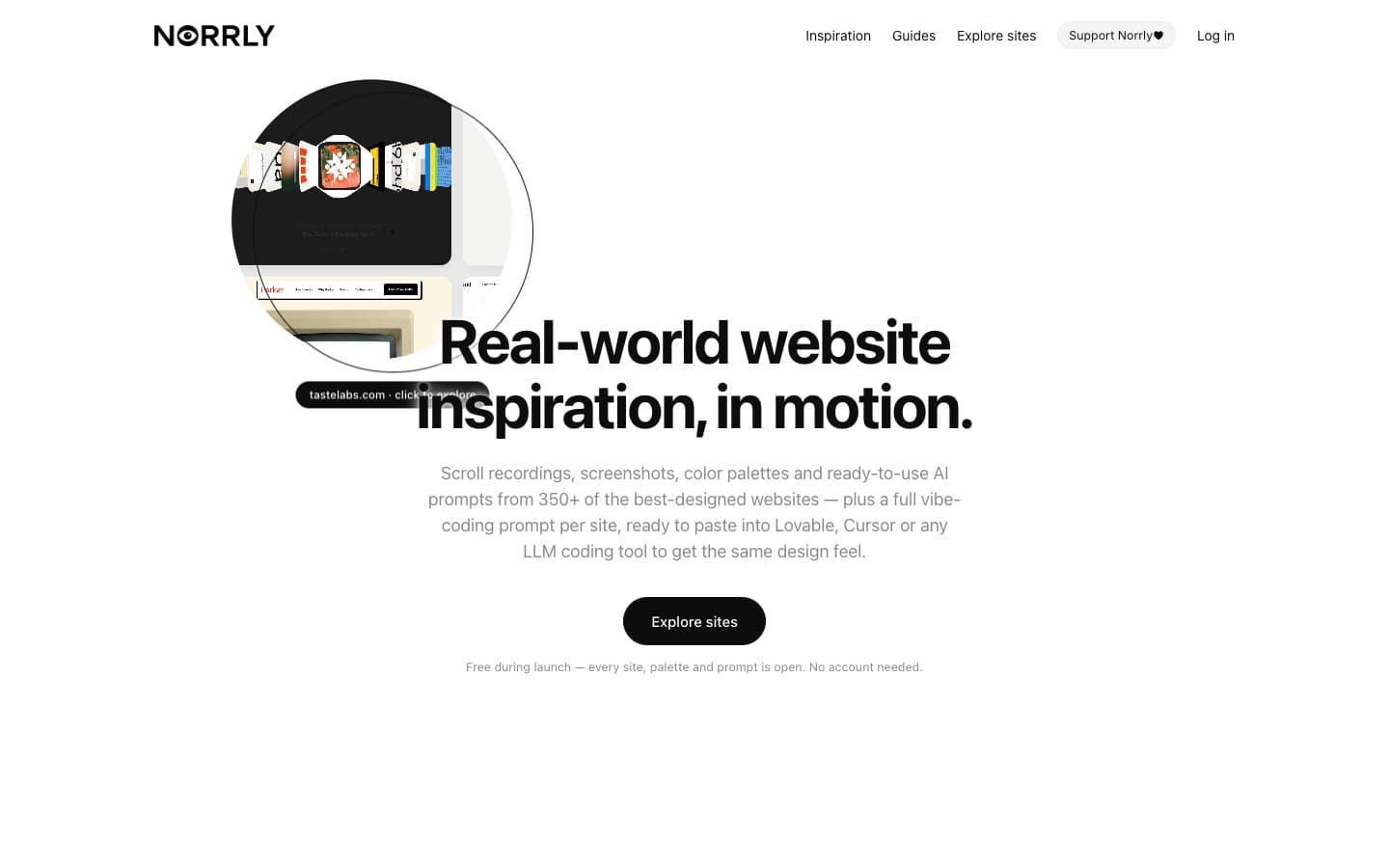
LanseratUtvalt projekt

Norrly
Designbibliotek med över 350 webbplatser, scrollinspelningar, färgpaletter, typografi och färdiga prompts för UI och UX.
19 projekt
Designbibliotek med över 350 webbplatser, scrollinspelningar, färgpaletter, typografi och färdiga prompts för UI och UX.
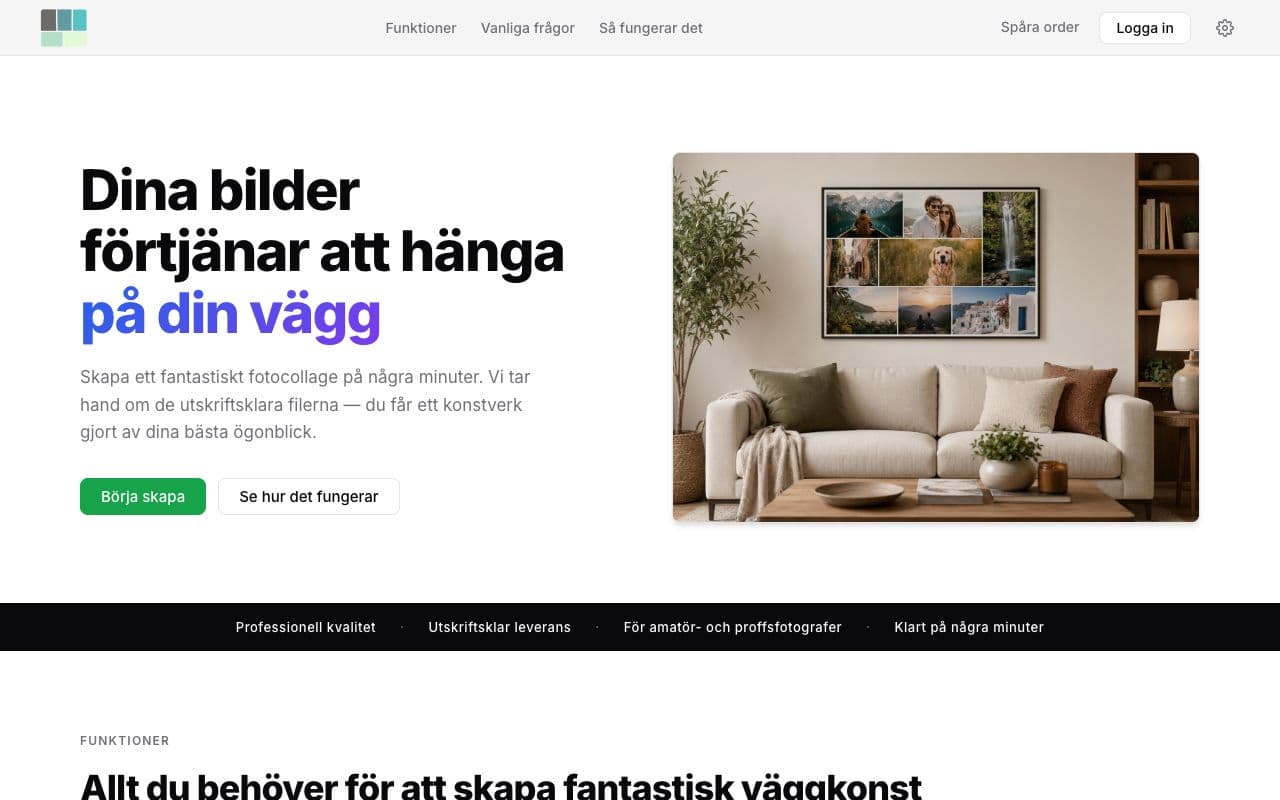
Skapar fotocollage och väggkonst från uppladdade bilder. AI har hjälpt till med bland annat konton och betalningar, men inte kärnalgoritmen.
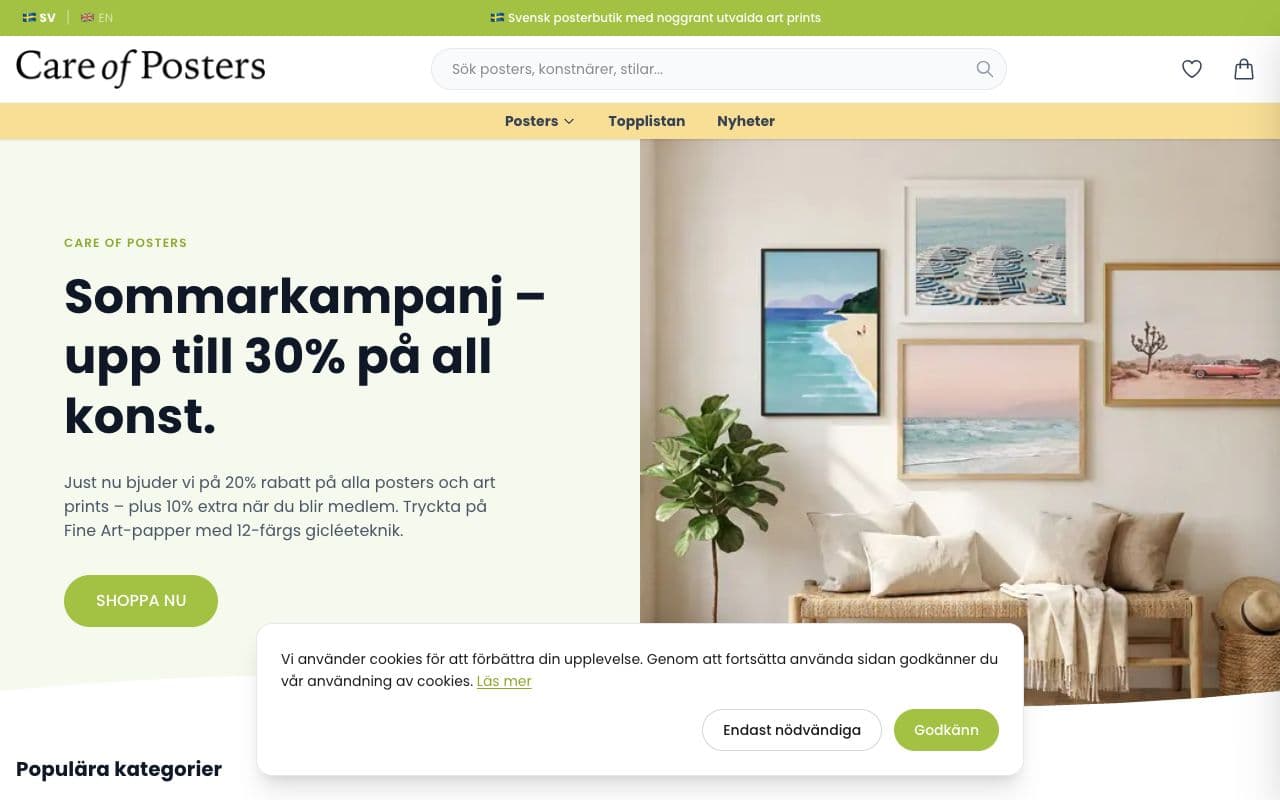
Ny Shopify-frontend och ett eget backend för produkter, kampanjer och produktfiler.

Svensk kreatör som bygger webbsidor och AI-verktyg för småföretag. Jag delar mina projekt, experiment och lärdomar öppet på YouTube och här.
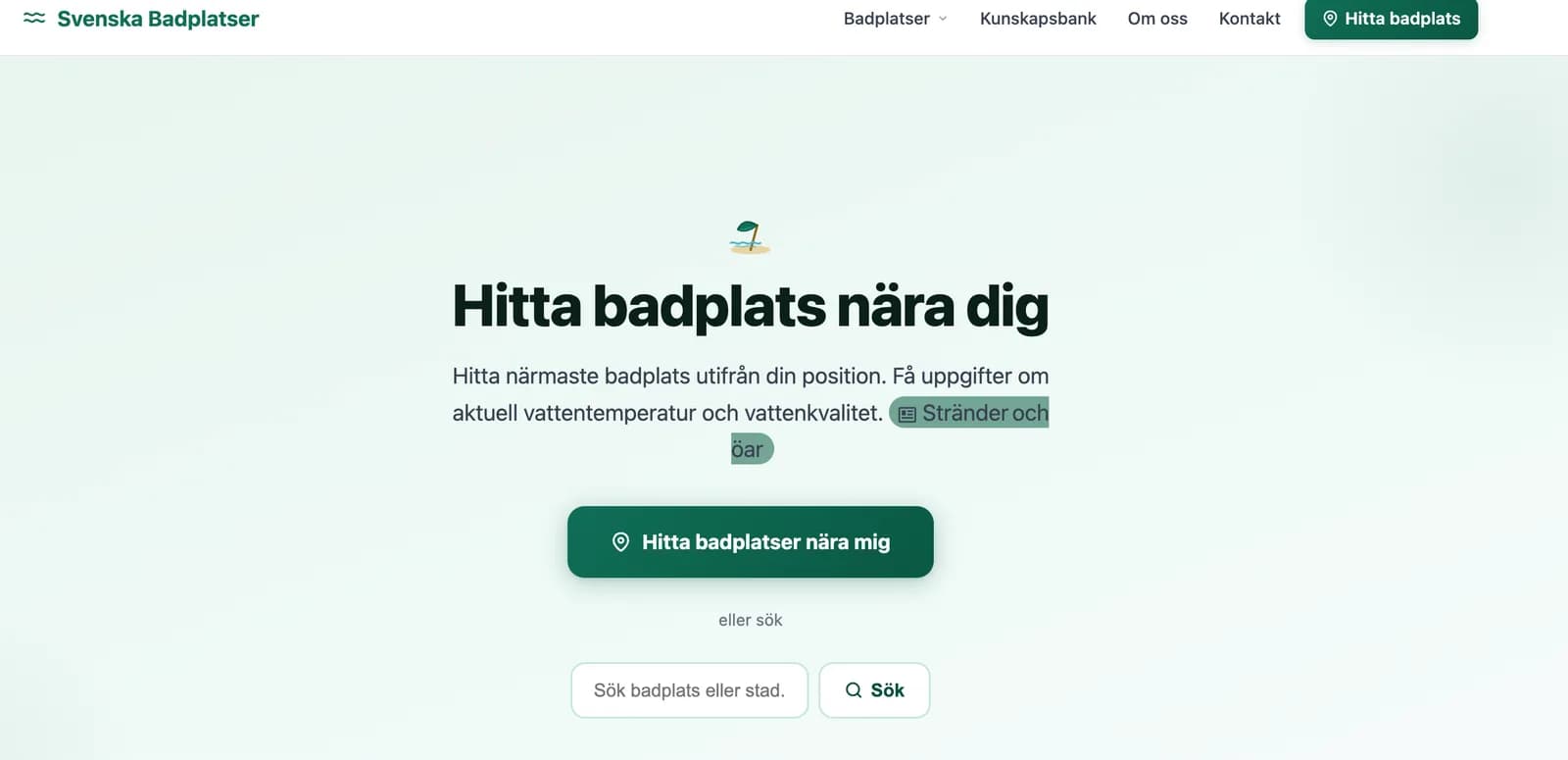
Aktuell badvattenstatus för 2633 badplatser i Sverige. Hitta info om badplatserna och hur du hittar dit.
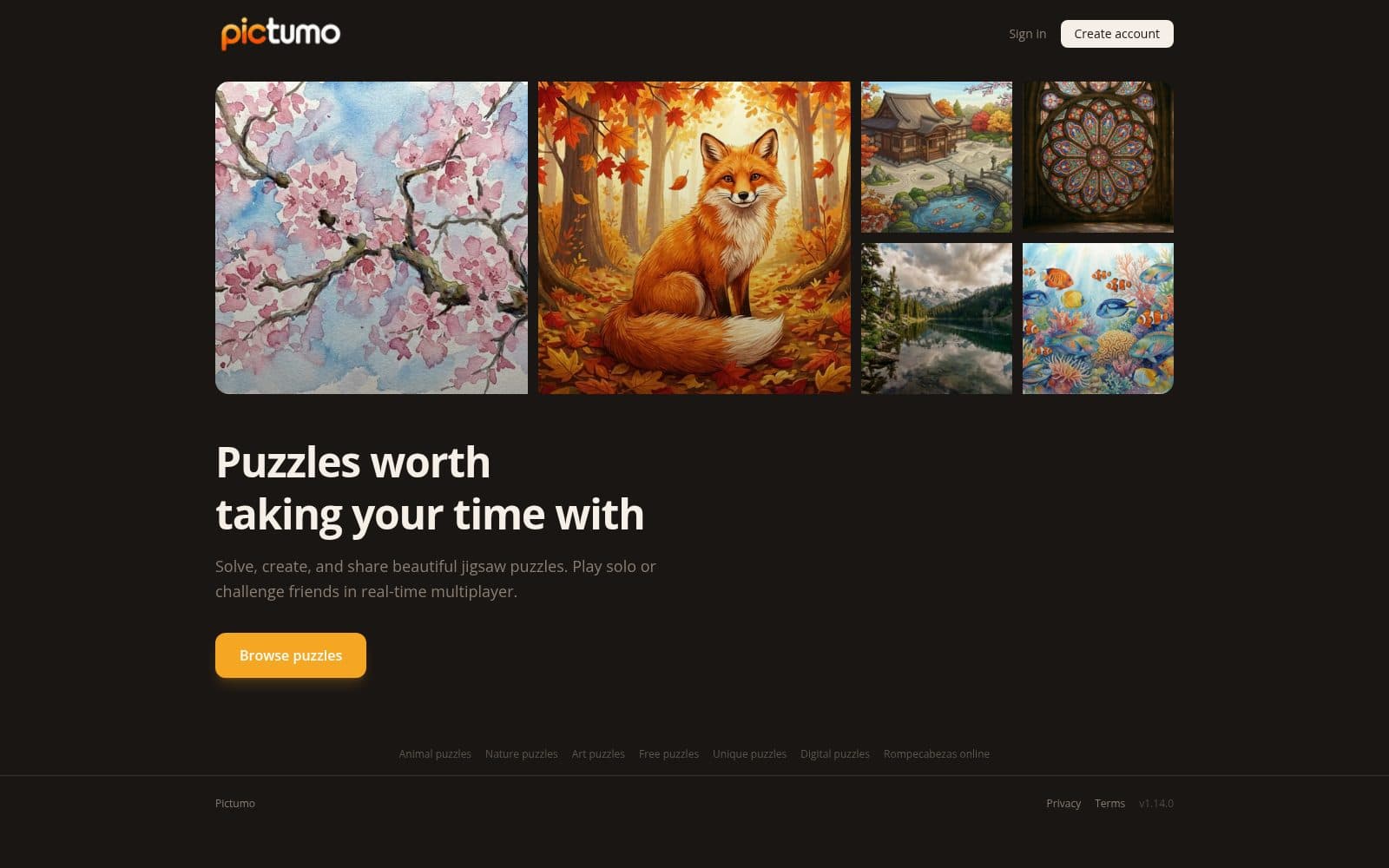
Solve beautiful jigsaw puzzles online, compete with friends in multiplayer, and create your own puzzles.
Elektrikerpodden Play är Elektrikerpoddens mediebibliotek för elektriker och elbranschen – podcast, YouTube, Elmorgon och korta klipp om eldrift, elteknik och elsäkerhet. Streama avsnitt och lyssna i bakgrunden.
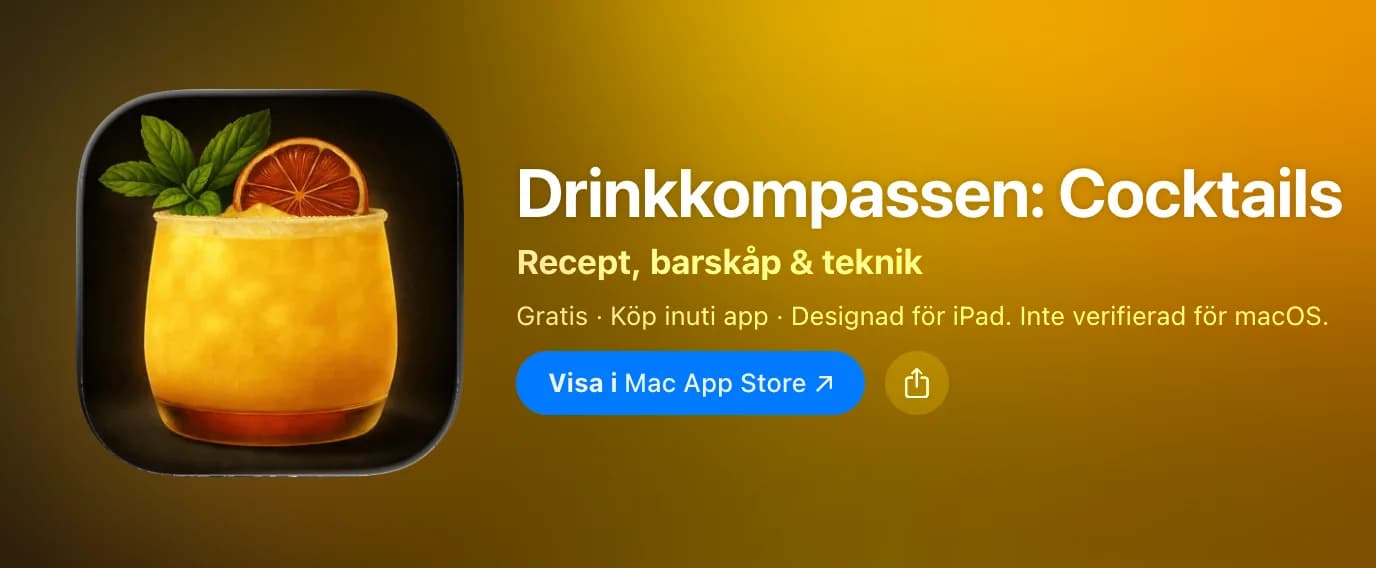
Hämta Drinkkompassen: Cocktails av Joakim Jedholt i App Store. Se skärmbilder, betyg, recensioner, användartips och fler appar som Drinkkompassen: Cocktails.
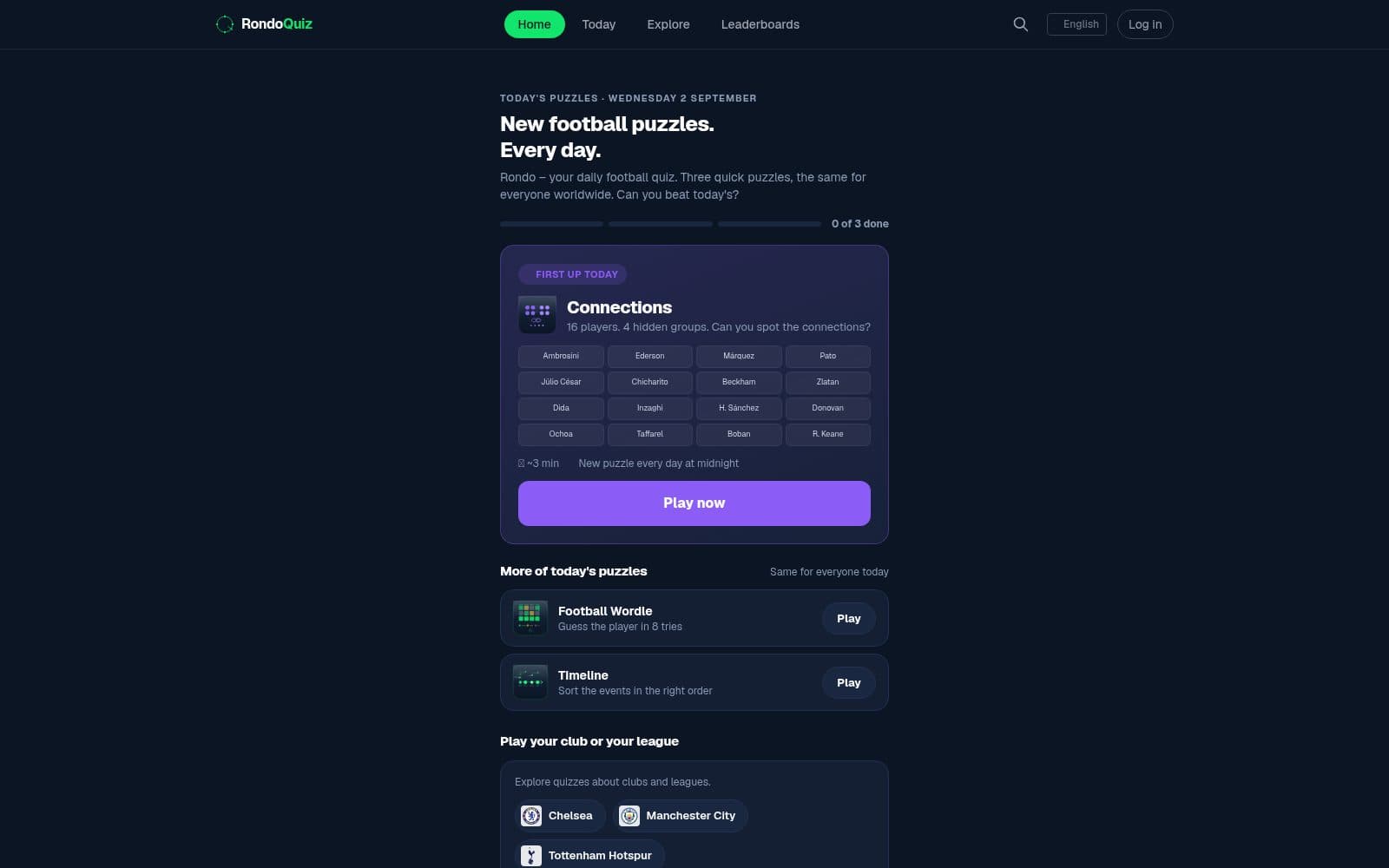
Rondo – play free football quizzes online: transfer history, stats, World Cup quizzes and much more. A new quiz every day.

Skapa och dela planer i realtid med vänner och team. Samarbeta och slutför tillsammans.
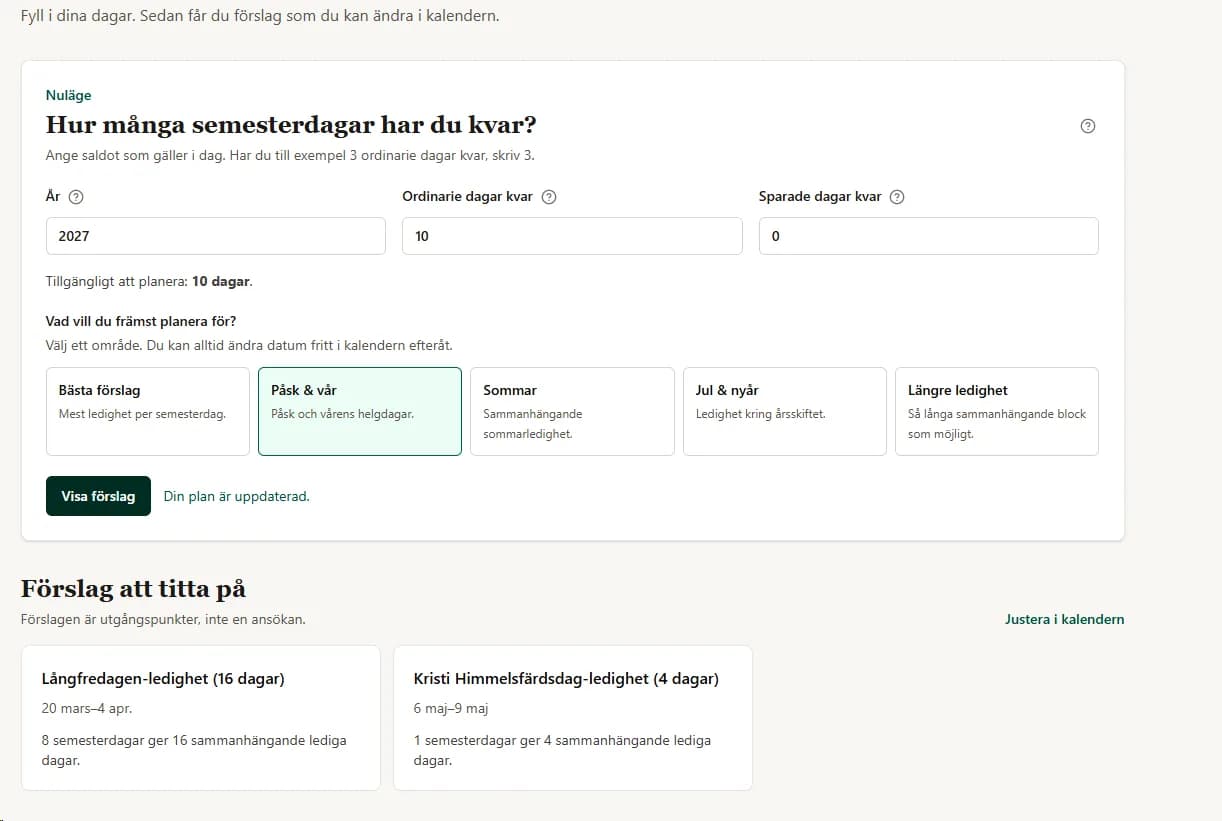
Planera semester kring röda dagar, klämdagar och skollov – med stöd för egna datum och arbetsscheman.

An iPhone camera app with a glass crystal that turns the world into living mosaic. No filters, just optics, made digital.

FRAYMIN turns your photos into Polaroid-style cards you can mark, draw on, and share. Available on the App Store.

Blenda is a serious photo library and editor for iPhone. Shape raw, HEIC and JPEG photographs without touching the original, with the whole library in your own iCloud.

You write in your language. Everyone else reads it in theirs. A friendly global room with live translation, music and a daily question.
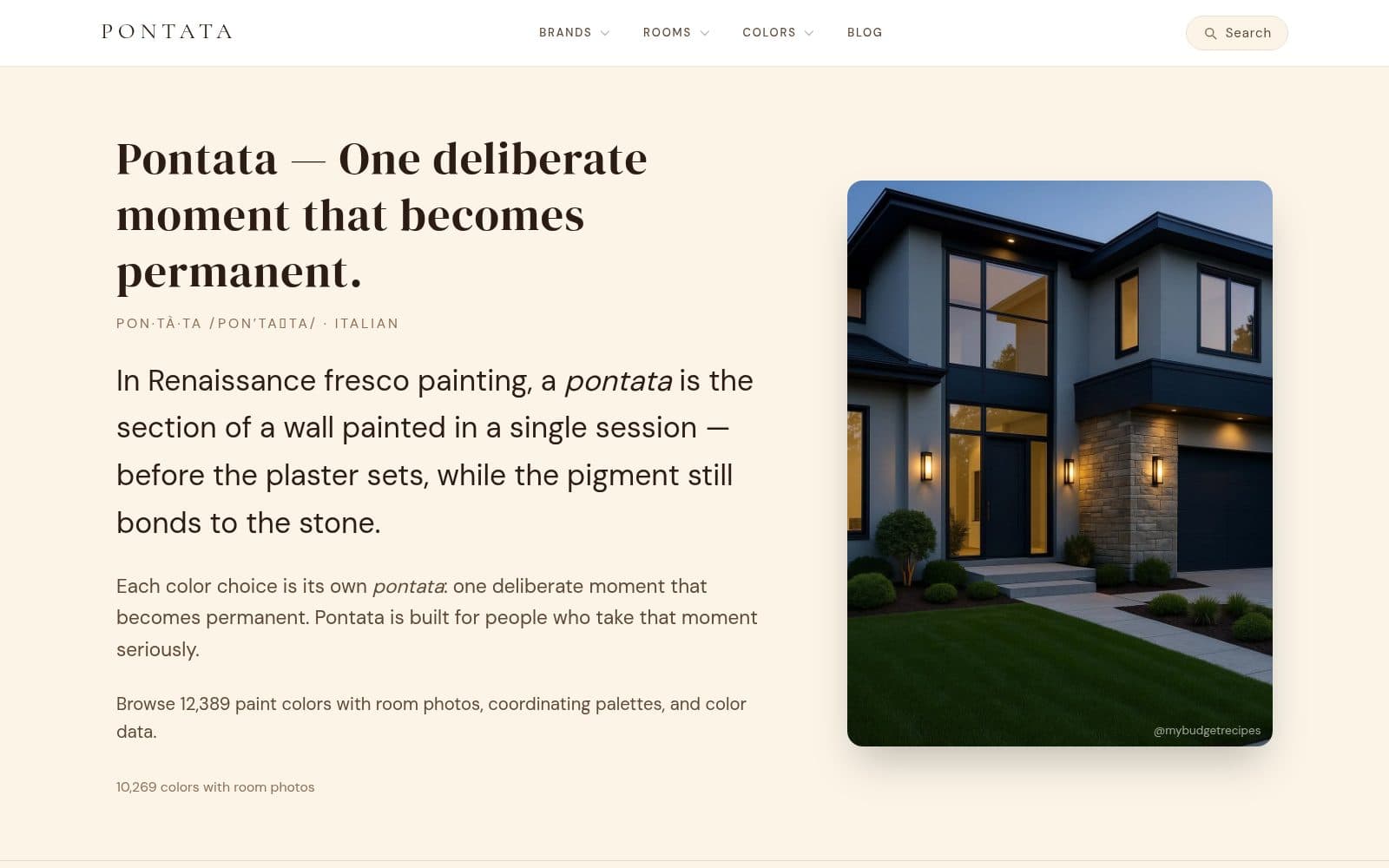
Browse paint colors with real room photos, coordinating palettes, and color data.

VibeTerminal is a desktop host for AI coding terminals. Pick a tool and a project folder, and it opens in a pane. Split and resize the panes however you like, or pick one of eight preset layouts, and drag tabs between them. Each terminal is a real Windows pseudo console rendered by xterm.js, so full-screen text interfaces, colours, mouse selection and links all work. Next to the terminals you get a file explorer locked to the project root, a file viewer with a syntax-highlighting editor and Markdown preview, and a notes graph where the agents write plans and decisions as Markdown files you can read and edit yourself. Claude Code and Codex terminals get a local agent channel: a small MCP server that lets agents in different projects leave messages for each other and keep shared notes, without touching your ~/.claude or ~/.codex configuration. Agents can also create buttons in the title bar that run a command in the project folder — and a button never runs anything until you have seen the exact command line and approved it. Everything stays on your machine. VibeTerminal makes no network calls of its own, and the usage percentage on each tab comes from Claude Code's own status line rather than from any API. You need your own tools. VibeTerminal contains no AI model and no subscription. Claude Code and OpenAI Codex are installed and signed in separately, and any cost for them is between you and their providers. Without at least one such tool installed, VibeTerminal is an ordinary terminal with a file explorer.
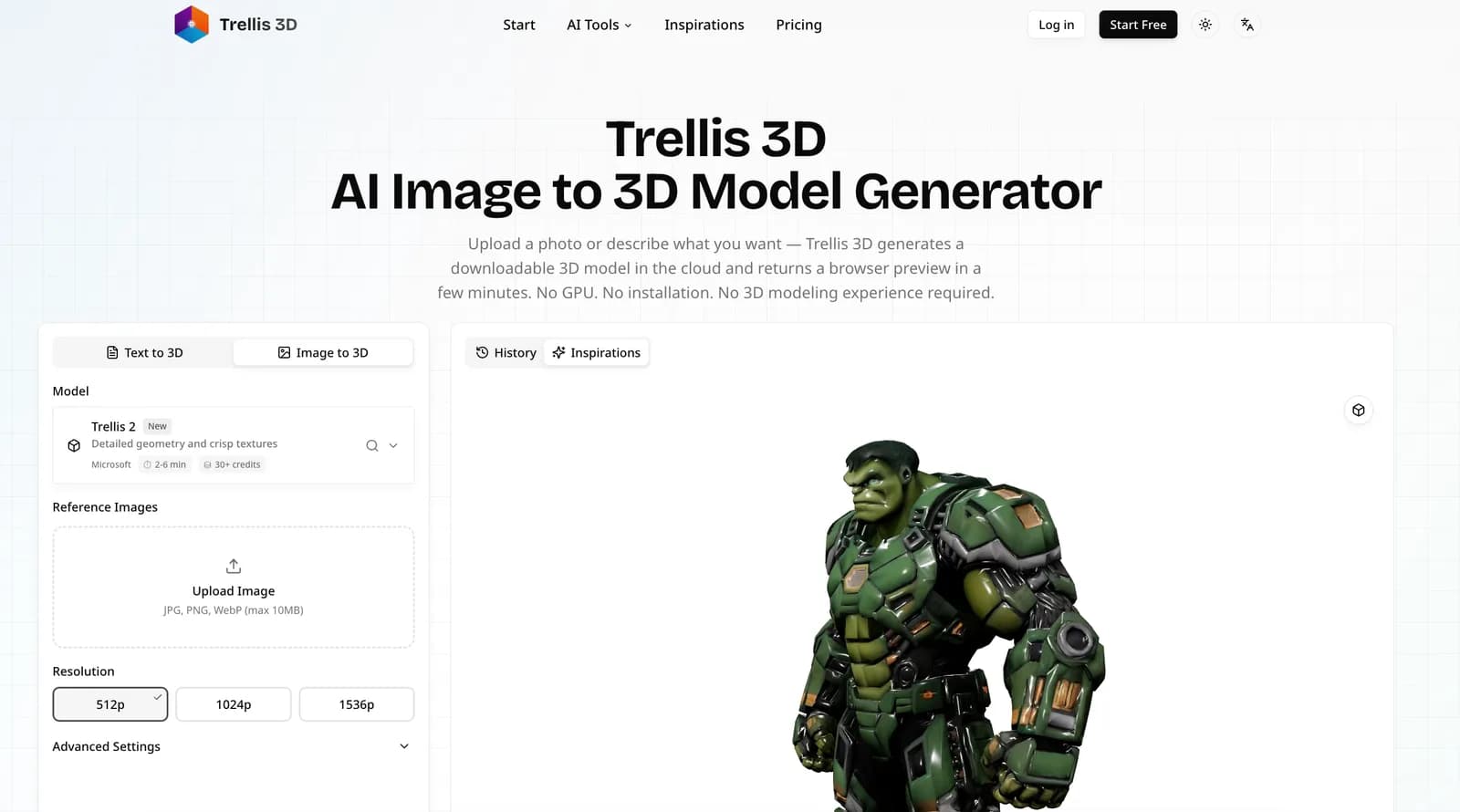

Generate initial 3D models from images or text prompts, inspect interactive browser previews and export GLB, OBJ, FBX or USDZ for refinement in 3D software.

OpenAI review test project for the Vibekollen Account plugin. Uses designkollen.se as a demo link. Synthetic sample data only; not an OpenAI product or endorsement.


