Skip to content
VibekollenBETAVibekollen

What's new

Everything we build on Vibekollen, in the order we finished it.

2026.10.15

Manage your Vibekollen projects from Codex
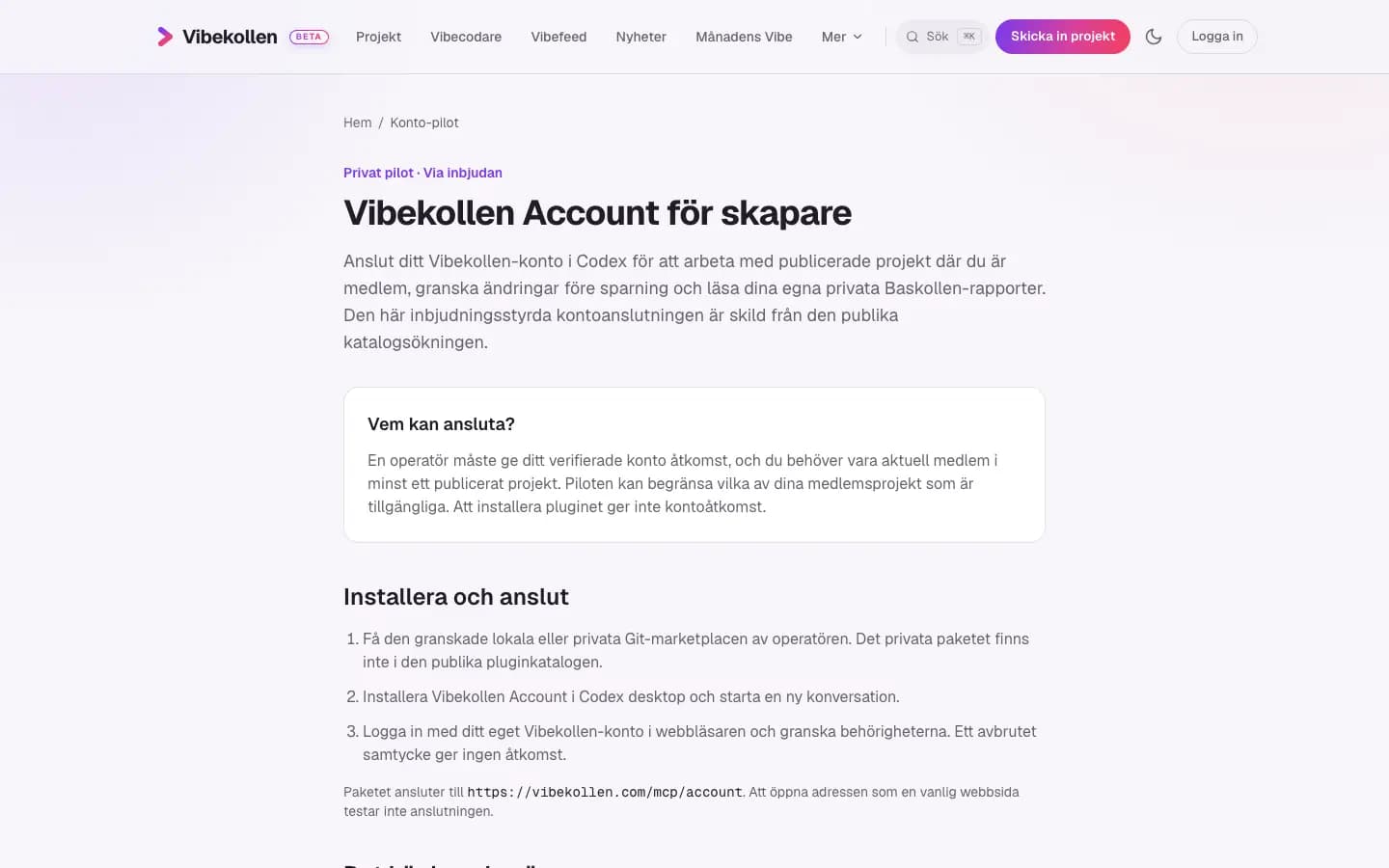
The Account guide explains who can connect and how creators install the plugin in Codex.

New

  • — A dedicated guide shows invited creators how to connect Vibekollen Account to Codex
  • — Review your projects and private Baskollen reports, and open the project editor in a side panel
  • — Prepare changes to text, covers and your profile image, then save only after reviewing them
  • — Dedicated Account plugin support pages are available in Swedish and English
2026.10.12

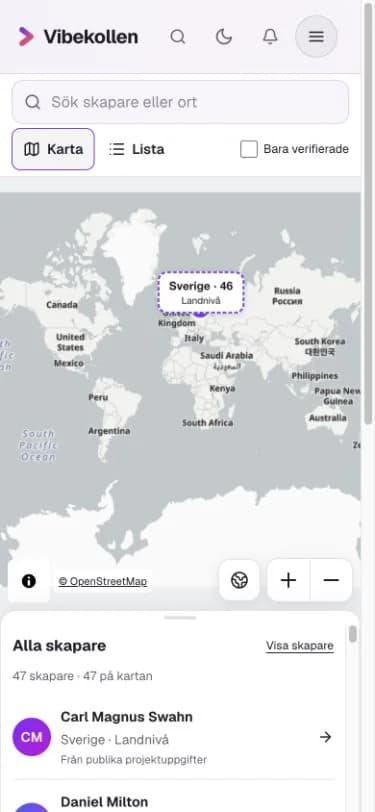
Explore creators country by country

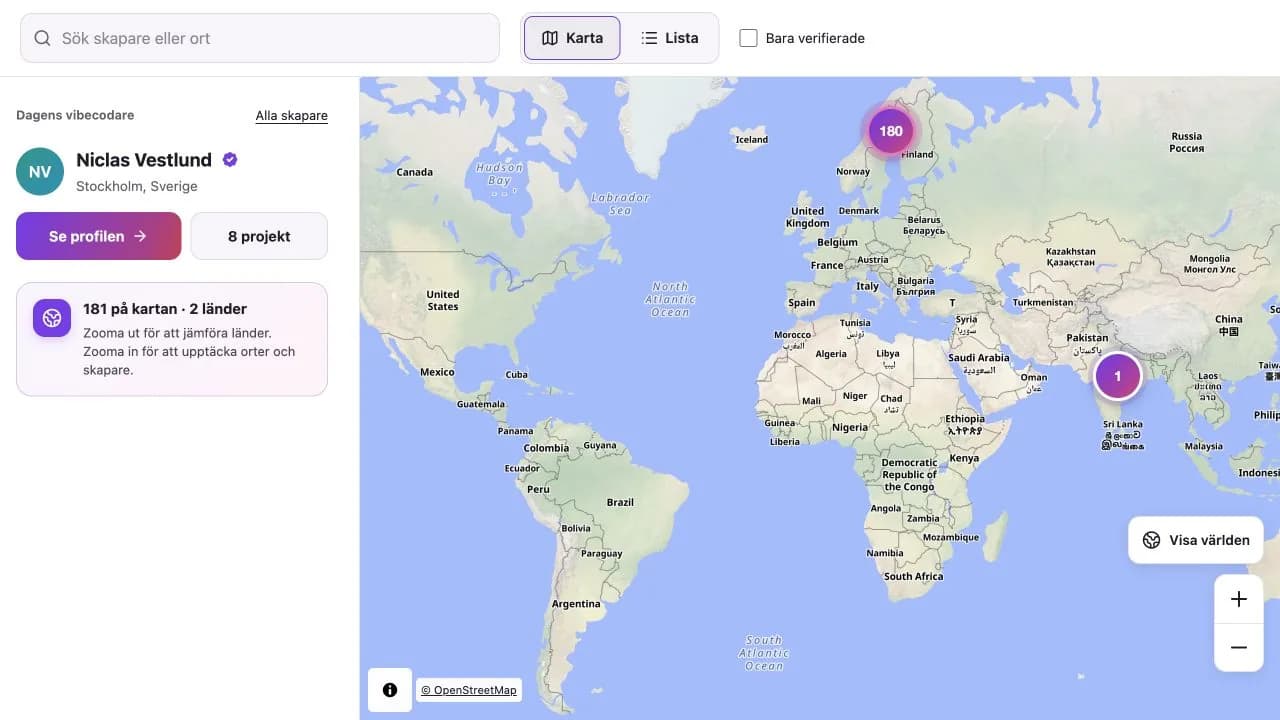
Each country's total appears on the overview map. Zoom in to see creators' real cities.

New

  • — Zoom out to compare how many creators are in each country
  • — Zoom in to find creators in cities they chose or shared through their projects
  • — Creators without a reliable city stay in the country total without being placed in a capital
2026.10.11

Find the creators on the map

Explore creators’ shared locations on the map. Countries and cities are shown separately, and the creator panel collapses on mobile.

New

  • — Explore creators on a world map or in a searchable list and open their projects directly
  • — Previously shared project cities and countries appear on the map. A country stays a country when no city can be identified reliably
  • — Choose a public city, use your projects’ locations or hide yourself from the map in your profile

Fixed

  • — The map has more room on mobile, with smaller controls and expandable map credits
  • — Close projects and creator panels to return to the map without losing the navigation
2026.10.10

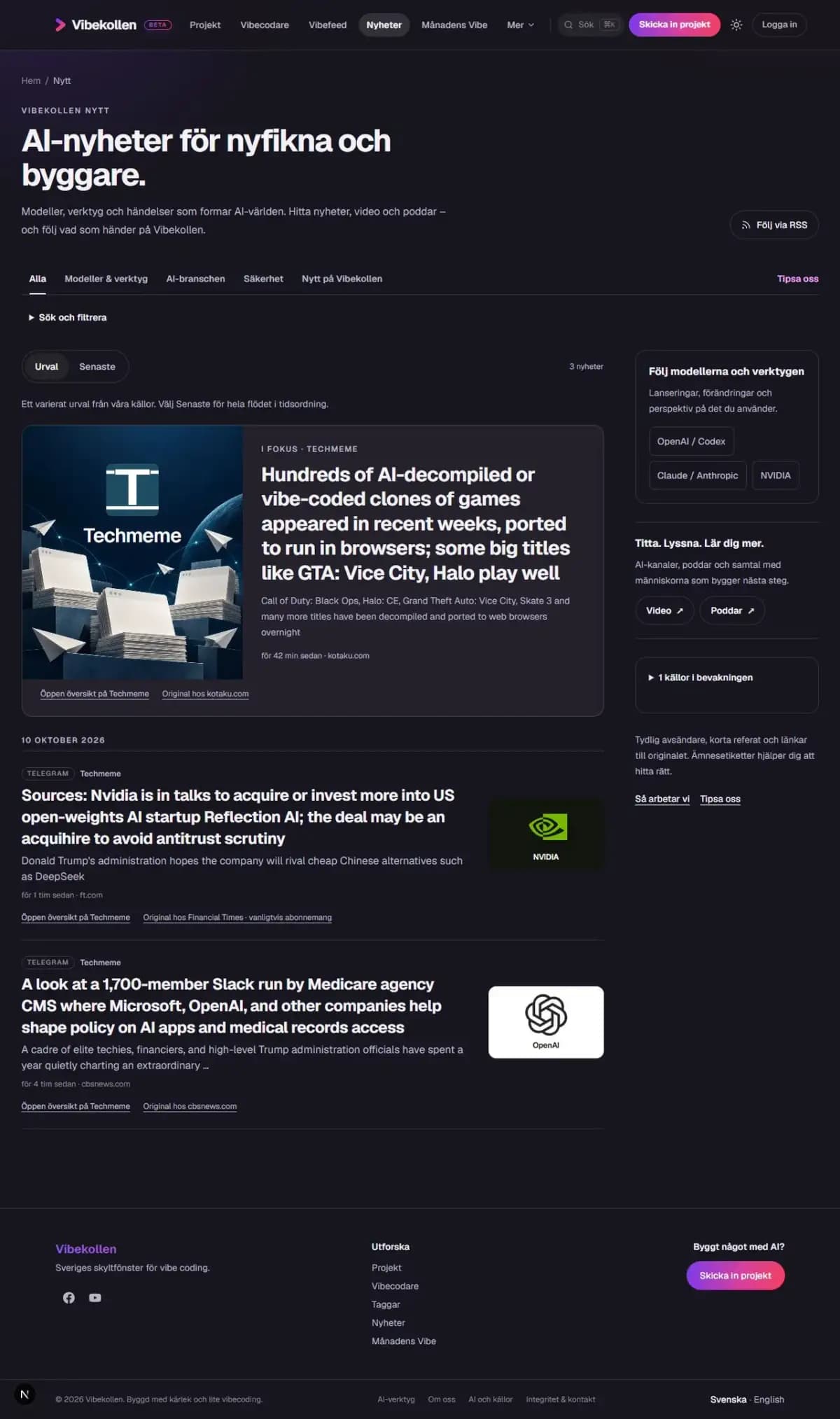
AI news briefs and trending GitHub projects

Read the brief directly in the feed. The company logo, original publisher and subscription notice are visible before clicking.

New

  • — Read short AI briefs from Techmeme directly in the news feed, in the original English
  • — See when the original publisher usually requires a subscription before clicking
  • — Open Techmeme’s overview or choose the original article for more detail
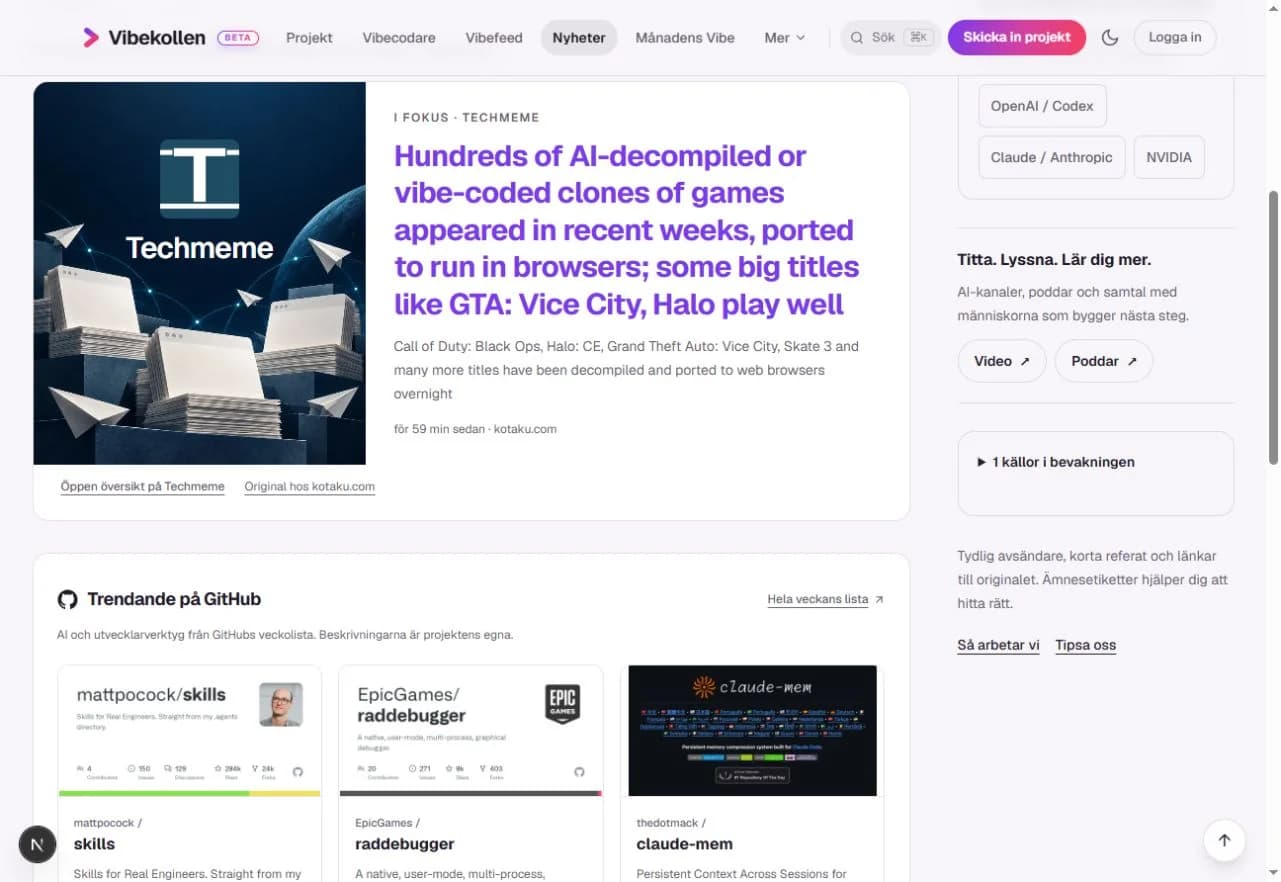
  • — Discover AI and developer tools in a separate section from GitHub’s weekly list, with repository covers, yellow stars, forks and weekly growth
A separate section shows AI and developer tools from GitHub’s weekly list, with repository covers, stars, forks and weekly growth.
2026.09.12

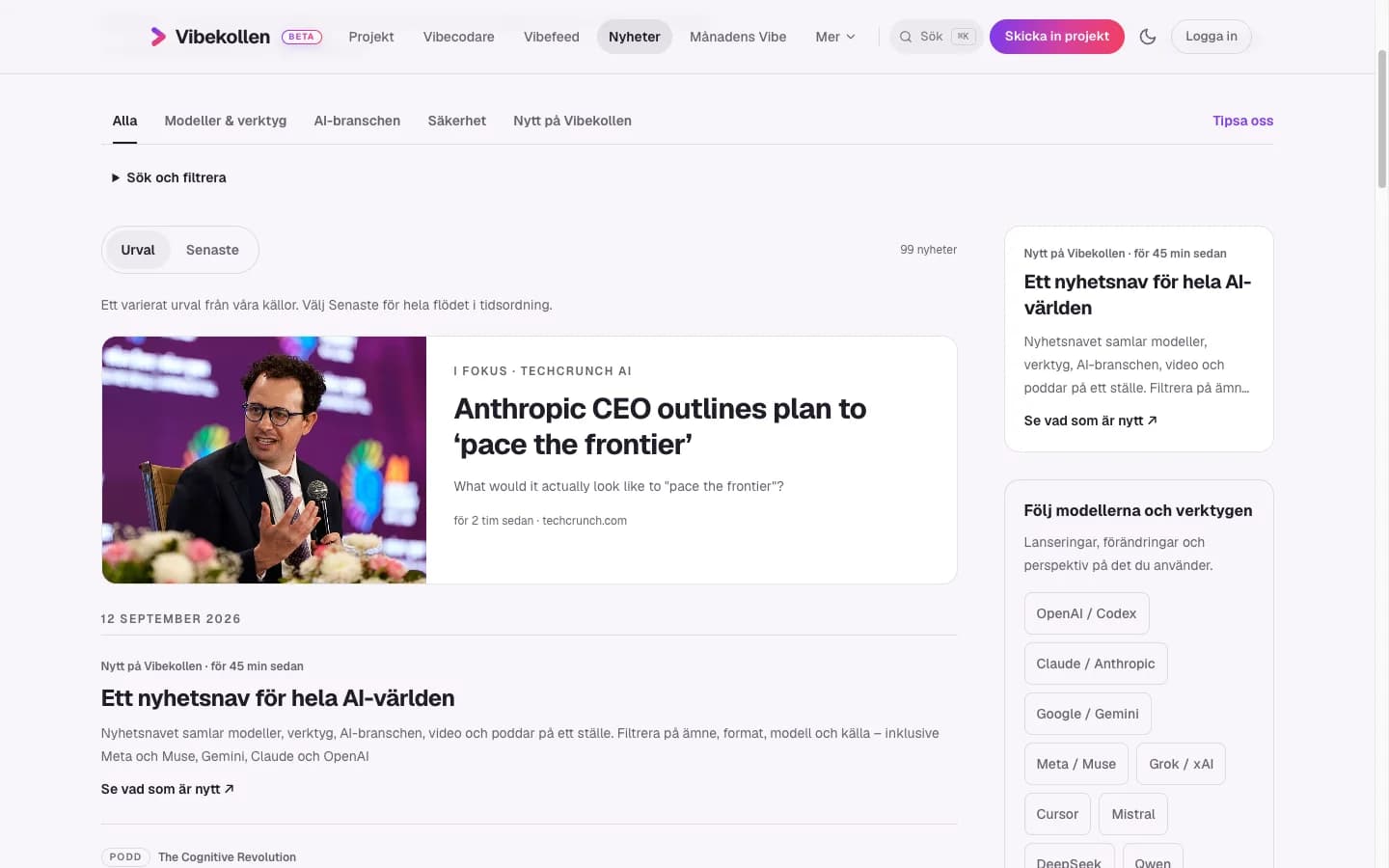
A news hub for the world of AI

The news hub brings AI news, videos and podcasts together. Choose a topic or combine model, format and source filters.

New

  • — The news hub brings models, tools, the AI industry, videos and podcasts together
  • — Filter by topic, format, model and source – including Meta and Muse, Gemini, Claude and OpenAI
  • — Vibekollen updates brings our own announcements into the news feed
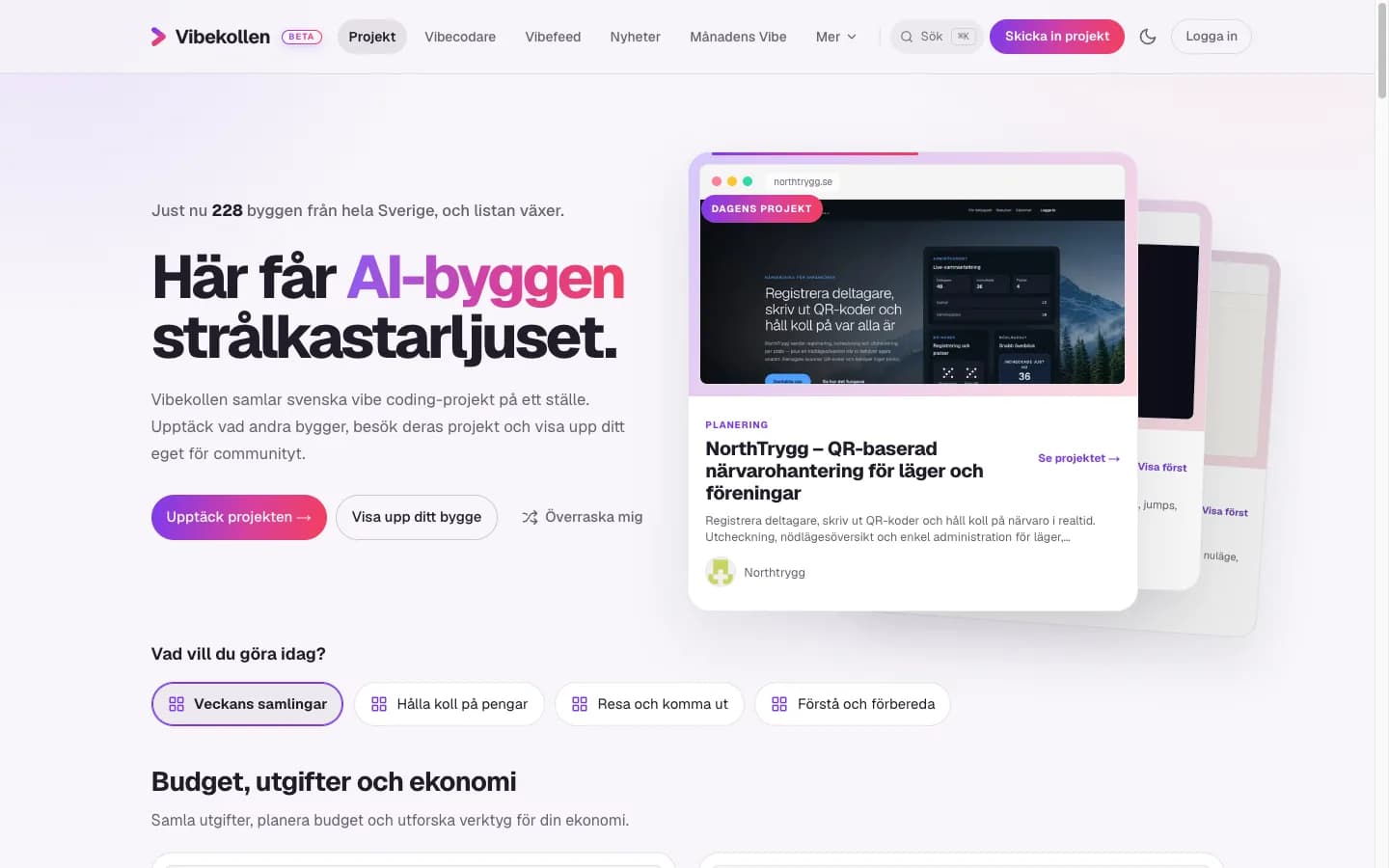
  • — Find projects by what you need on the home page, with rotating collections and verified creators
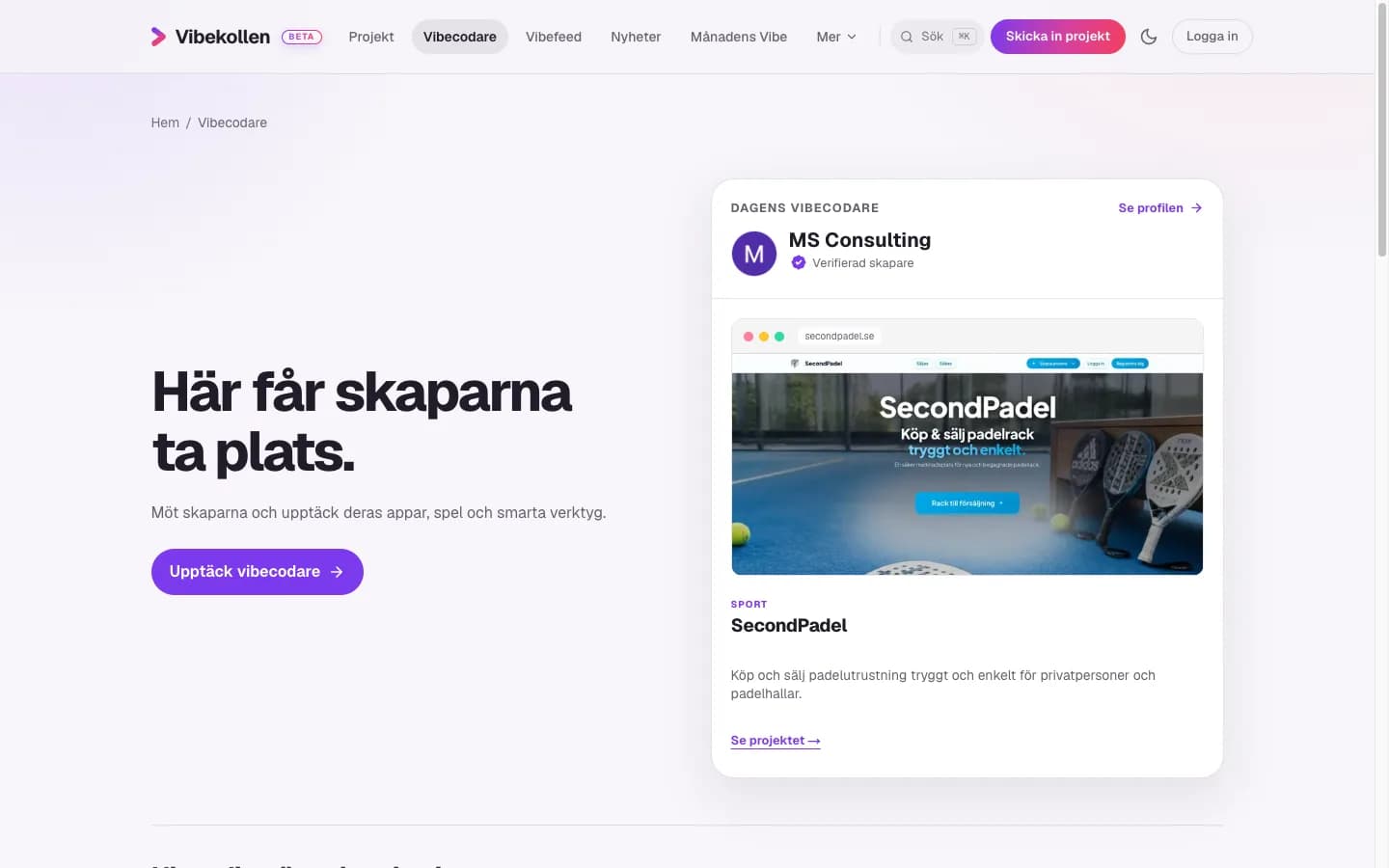
  • — The creator directory puts people and their project galleries in focus
  • — Quick Check gives you an initial look at a website and lets you choose whether to share the result
The home page highlights real projects and helps you find things to try based on what you want to do.
Meet the creators and browse their projects in the creator directory before opening a profile.
2026.09.01

Vibekollen.com — the site in two languages

Vibekollen

New

  • — Vibekollen now lives at vibekollen.com — old .se addresses are forwarded automatically
  • — English is the first language at vibekollen.com; Swedish lives at vibekollen.com/sv
  • — A language switcher in the header that remembers your choice
  • — Project descriptions in English, marked as translated until the creator approves the text
  • — Search engines see both language versions of every page

Fixed

  • — What's new, share images and the submission form use the new address and your language
2026.08.23

Vibefeed, the reading list and shareable releases

Vibekollen

New

  • — Vibefeed — a feed where vibecoders tell what they're building, with images and YouTube clips
  • — The reading list — save news, videos and projects for when you have time
  • — This page: everything we build, in the order it was finished
  • — Every release has its own address that can be shared

Fixed

  • — The creator page timeline can be skimmed — headings instead of walls of text
  • — The project list collapses on mobile; the page became considerably shorter
2026.08.22

Choose your own featured project

Vibekollen

New

  • — You choose which project is highlighted at the top of your creator page
  • — Build date per project — your journey shows month by month

Fixed

  • — A co-creator's page showed the project owner's identity
  • — Mobile ordering and duplicate headings on the creator page
2026.08.21

The share dialog works everywhere

Vibekollen

Fixed

  • — The share dialog reaches desktop and fits on mobile
  • — The profile page for someone with a single project
  • — The timeline shows your events, not catalog imports
  • — The share card carries the creator's name when shared on X
2026.08.19

New logo, and simpler review for apps

Vibekollen

New

  • — New logo — a rounded chevron in the brand gradient
  • — Projects that live on the App Store, Google Play, GitHub or GitLab can request review directly
2026.08.02

Logbook on the project page

Vibekollen

New

  • — The logbook — the project page shows what has happened in the project, pulled from the project's own feed
  • — A notification when someone comments on your project
  • — Vibekollen can be installed as an app on your home screen
  • — About text and social accounts on the project page

Fixed

  • — The featured project card only got a third of its column
2026.07.31

New creator page and more honest news summaries

Vibekollen

New

  • — The creator page is rebuilt — portfolio, status history and its own share card
  • — The news articles get the new design
  • — Summaries are based on the full article text, so the quotes are real

Fixed

  • — The counter below the news list showed 0 even though the page was full
2026.07.30

The news feed, built for mobile

Vibekollen

New

  • — Browse the whole news feed — pages and related posts
  • — A mobile-friendly news page with date groups, filters and video
2026.07.29

Tech radar — what Sweden vibecodes with

Vibekollen

New

  • — The tech radar shows which AI tools are used in Swedish projects
  • — News with Swedish summaries, from day one
  • — Tip us off about news
  • — Version number in the footer
2026.07.28

Coding activity on the creator page

Vibekollen

New

  • — GitHub activity on the creator page — the calendar counts private contributions too
  • — The footer is organised into groups

Fixed

  • — Co-created projects are counted everywhere, not just on the creator page
  • — Every co-creator appears on the project page, not just in the byline
2026.07.27

The story behind Vibekollen

Vibekollen

New

  • — The About page tells the story behind Vibekollen

Fixed

  • — Linking accounts by email requires a verified address at the provider
2026.07.26

Video on the project page

Vibekollen

New

  • — YouTube video on the project page — click to play
  • — Logged-in users skip the contact step when submitting
2026.07.25

Tags replace categories

Vibekollen

New

  • — Projects are described with tags instead of fixed categories
  • — Uploaded images are compressed automatically

Fixed

  • — Large images and iPhone formats are shrunk in the browser so they can be uploaded
2026.07.22

A cleaner vote in Vibe of the Month

Vibekollen

New

  • — Logging in is required to vote
  • — Votes on your own projects don't count
  • — The competition starts for real in August
2026.07.21

The account gets its own menu — and Vibecoders everywhere

Vibekollen

New

  • — The account gets its own menu — overview, projects, profile and settings
  • — Bio and links on the public profile
  • — Creators are now called Vibecoders, everywhere
  • — A failed Baskollen measurement can never erase a successful one
2026.07.20

Rescan on request

Vibekollen

New

  • — Project owners can request a new Baskollen measurement with one button
  • — The account page gets pulse cards, project rows and a public profile
2026.07.19

The creator's own comment on the project page

Vibekollen

New

  • — Maker comment and "vibecoded with" on the project page
  • — Reply to comments, with account identity for logged-in users

Fixed

  • — The vibecoded fields are cleared when ownership is released
2026.07.18

Nicer cards and light theme by default

Vibekollen

New

  • — Generated covers for projects without an image of their own
  • — Light theme by default for every visitor
  • — Before/after comparison in Baskollen when rescanning
  • — A designed share image in the style of the project cards

Fixed

  • — A clear error message in the submission's contact step
2026.07.17

Account menu and a more thoughtful navigation

Vibekollen

New

  • — Account menu on the avatar, with your own statistics
  • — A More menu on desktop and a grouped mobile menu
  • — Baskollen becomes a technical measurement instead of a grade

Fixed

  • — The claim flow — quick decisions, visible errors and notifications
2026.07.16

Creator accounts — log in and claim your project

Vibekollen

New

  • — Creator accounts with email verification
  • — Log in with Google or GitHub
  • — Verify that you own your project through your own domain
  • — Vibe of the Month — the community vote
  • — Thirteen new projects in the catalog

Fixed

  • — The warning colours meet the accessibility requirements in light mode
2026.07.15

Submit a project, simply and safely

Vibekollen

New

  • — A new way in for projects — simpler and safer submissions
  • — Invitation emails, sent straight from Vibekollen
2026.07.14

Vibekollen is born

Vibekollen

New

  • — The project catalog — gallery, project pages and real screenshots
  • — Like and comment on projects
  • — Search with Cmd+K, statistics, saved projects and an activity feed
  • — Follow creators, awards and Project of the Week
  • — Share images, RSS and everything that makes a site discoverable